2. Adding a Collection
Once we have created the project, the next step is to create a collection. A collection is a container that can hold multiple HTTP requests and responses.
Create a New Collection
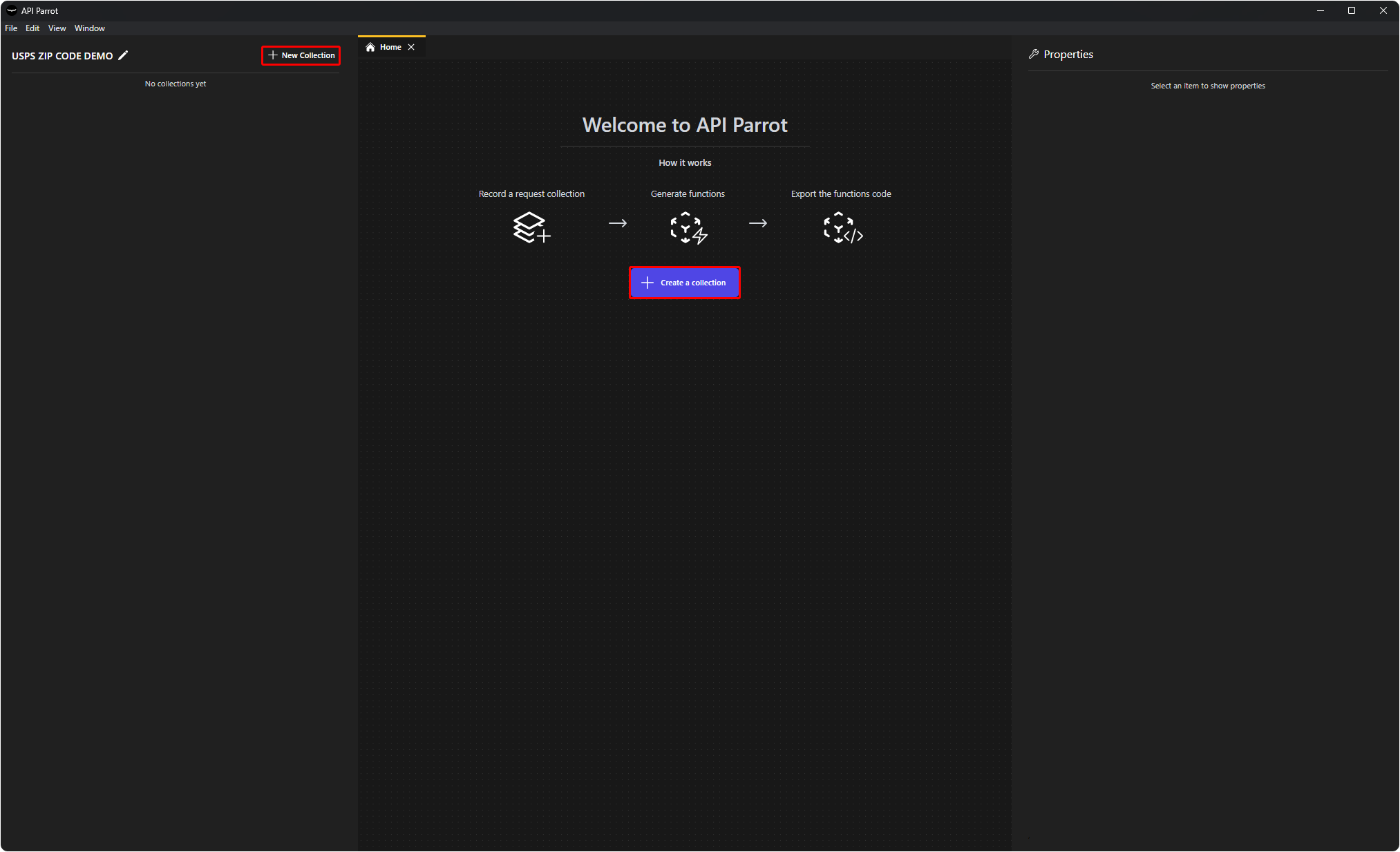
To create a new collection there are two ways:
- Click the
+ New Collectionbutton in the left sidebar. - Click the
+ New Collectionbutton in the home tab.
Either way will create a new collection and open a new tab for that collection.
Rename a Collection
You can rename your collections by right-clicking the collection in the left sidebar and selecting Rename or selecting the collection and pressing F2. This will make the collection name editable.
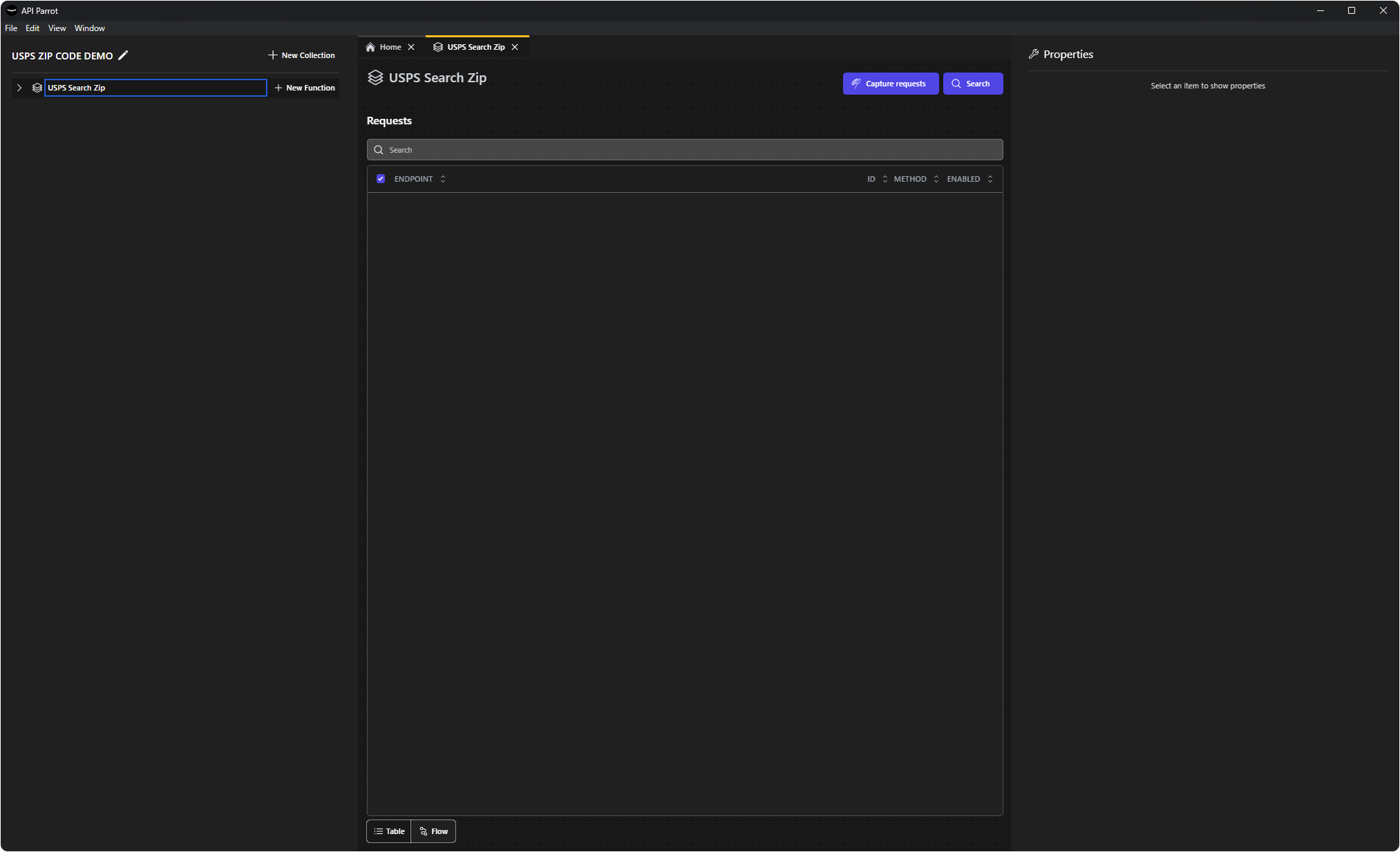
For this tutorial, we will name our collection USPS Search Zip.